
Free AI Visualizations - How to Create Without a Budget (and Where's the Catch?)
Yes - free AI visualizations are possible and work better than you might expect. Every popular tool offers some kind of free start: a few generations a day, a glimpse of how the model handles your SketchUp view, an interior photo, or a sketch, and a chance to test the result before you spend a single dollar. The problem appears the moment you want to show the result to a client - and that's exactly where the limitationsthat no one really tells you about at sign-up come out. In this article, we compare four of the most popular options and show what you can realistically expect from each of them.

Contents
Are free AI visualizations enough for client work?
For testing ideas and quickly checking a direction - absolutely. For the final presentation to a client - usually not anymore.
Free plans for most AI tools have at least one of three limitations: low resolution (1K instead of 2K or 4K), a visible watermark on the finished image, or restrictive licensing rules that prevent commercial use. At the idea-testing stage, that's no problem at all. The moment you want to show the visualization to a client as a proposal for approval - each of these limitations becomes a real obstacle.
Market overview: free AI visualization tools (and their catches)
We tested the four most popular options chosen by designers and architects looking for fast, affordable solutions to support their daily work. Here's what's really hiding behind each free plan.
ChatGPT - no watermark, but low geometric consistency
ChatGPT's free plan lets you generate 2-5 images a day and - what sets it apart from the competition - doesn't add a watermark to the results. The problem lies in the model itself, though: ChatGPT isn't designed with architectural visualizations in mind. It hallucinates geometry, fails to maintain consistent room proportions, and regularly "invents" elements that aren't in the input view. On top of that, base generations don't exceed around 900 pixels on the shorter side, which is far too low for today's standards.
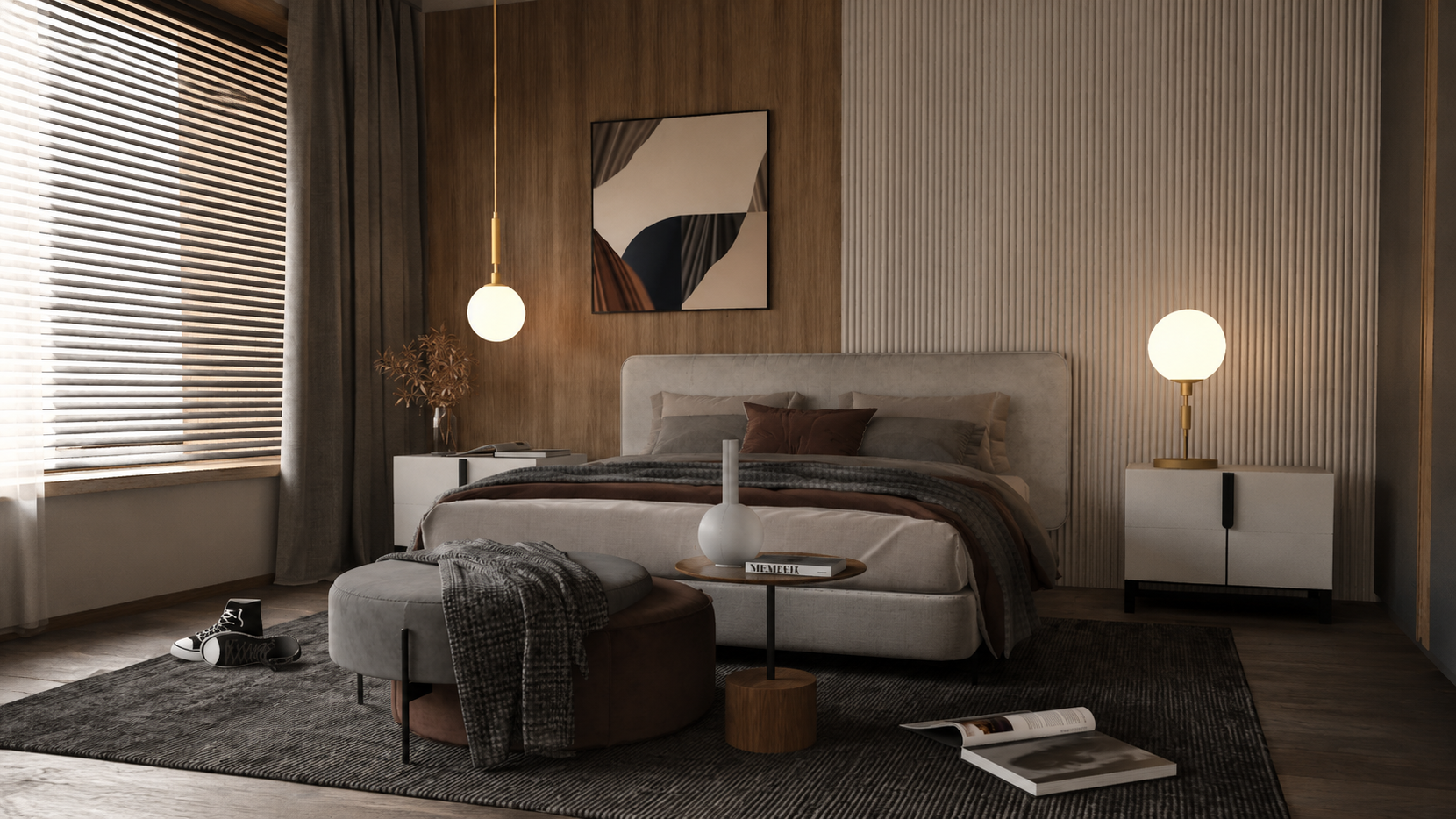
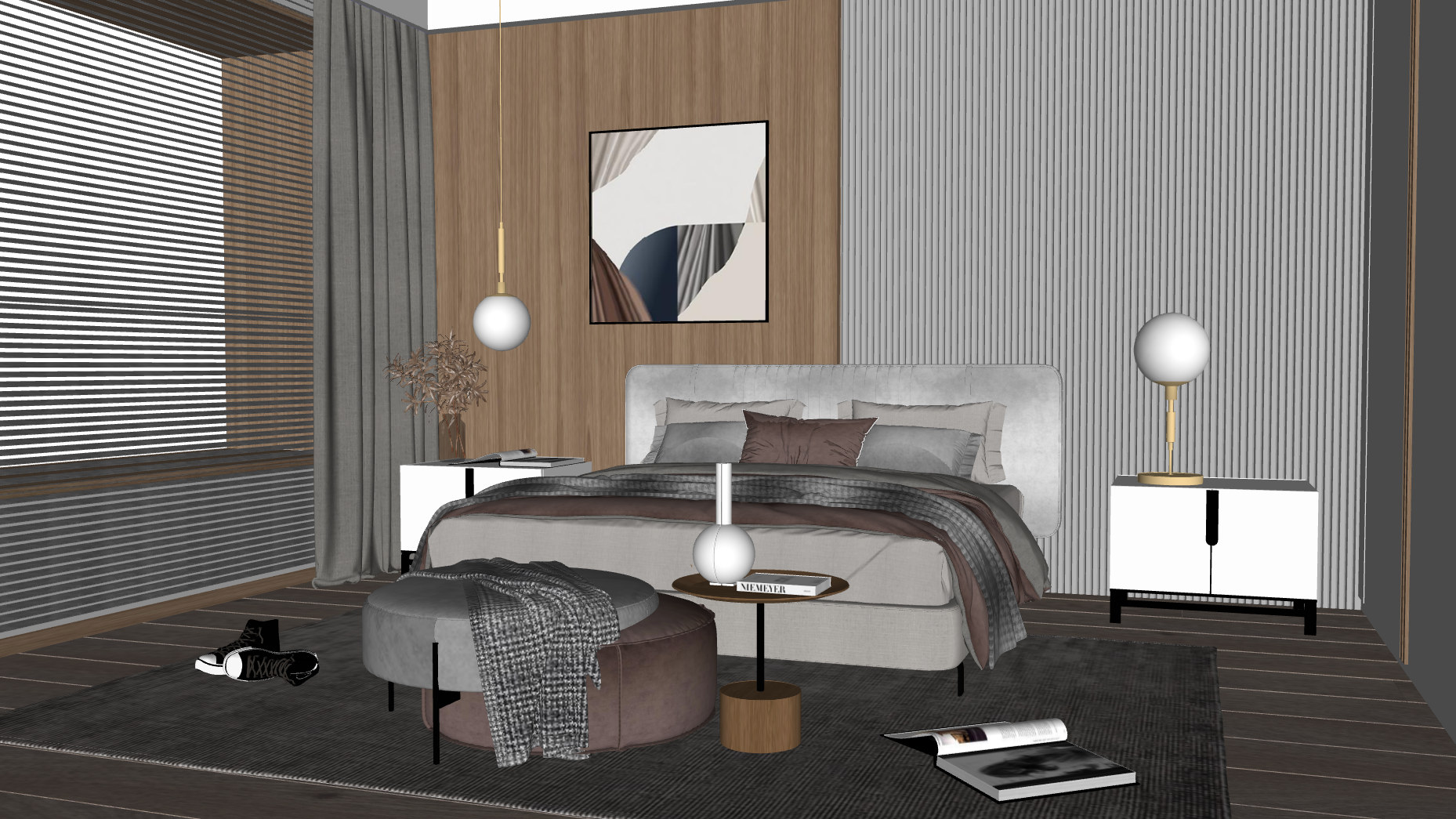 BeforeAfter
Gemini - a better model, but with resolution limitations
Gemini offers a higher daily generation limit than ChatGPT, but there are a few serious caveats. First, the default model is the weaker Nano Banana 2 - on the free plan, you get access to the better Nano Banana Pro model only three times a day. The higher plans - Pro and Ultra - have much higher limits, which also change dynamically. Second - the maximum resolution Gemini offers is 2K - there's simply no 4K version here - and every generated image has a clearly visible watermark in the bottom right corner.
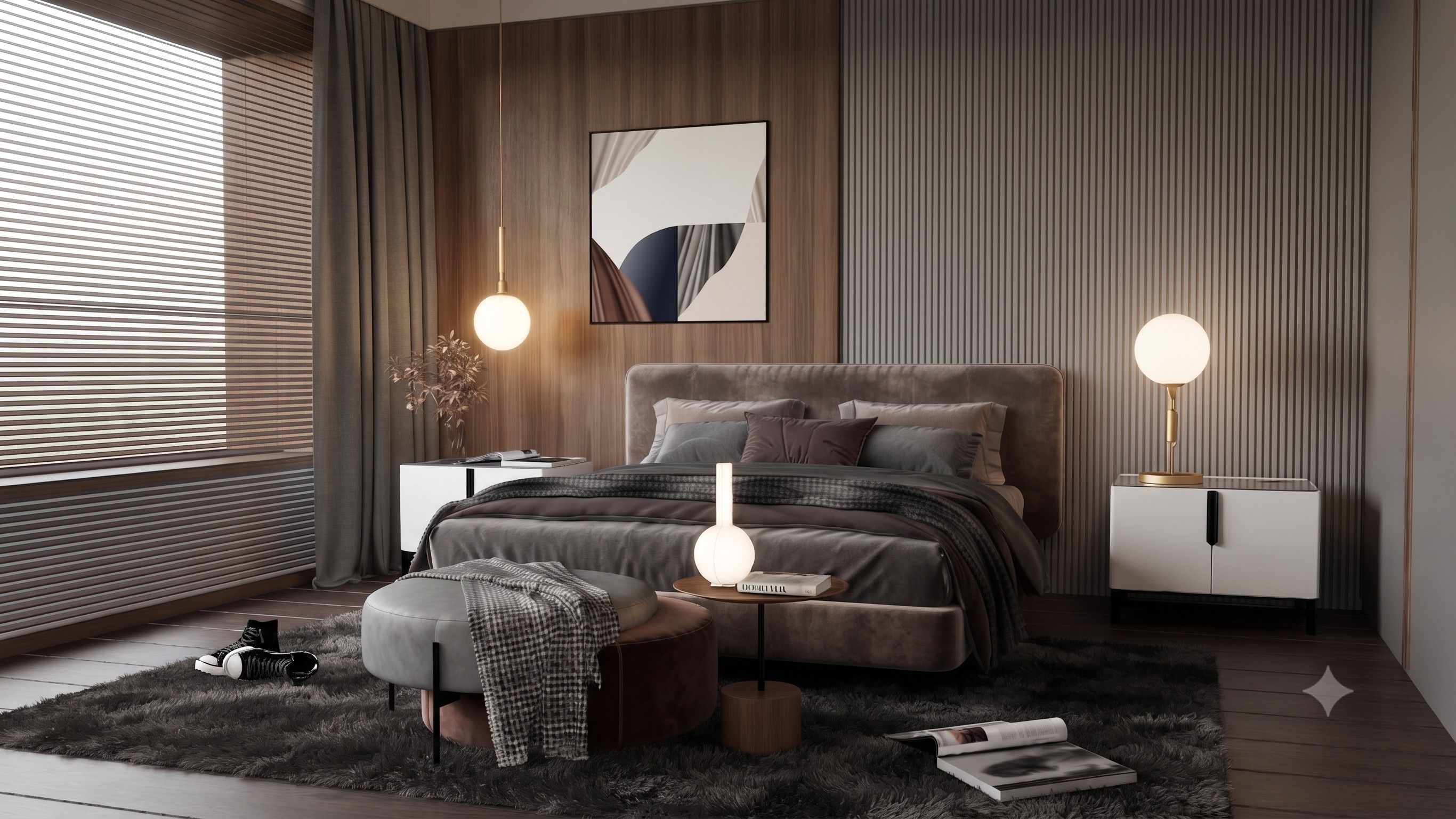 BeforeAfter
Google Flow - higher limits, but only 1K by default
Google Flow is Google's interface for generating images and video content. It stands out with higher generation limits than Gemini and no watermark on the results - those are its two real advantages. The limitation that quickly becomes apparent is its native 1K resolution. Generated images can be upscaled to 2K, but you lose some detail in the process. It's also worth knowing that the number of available generations can change - it depends on server load and isn't always predictable.
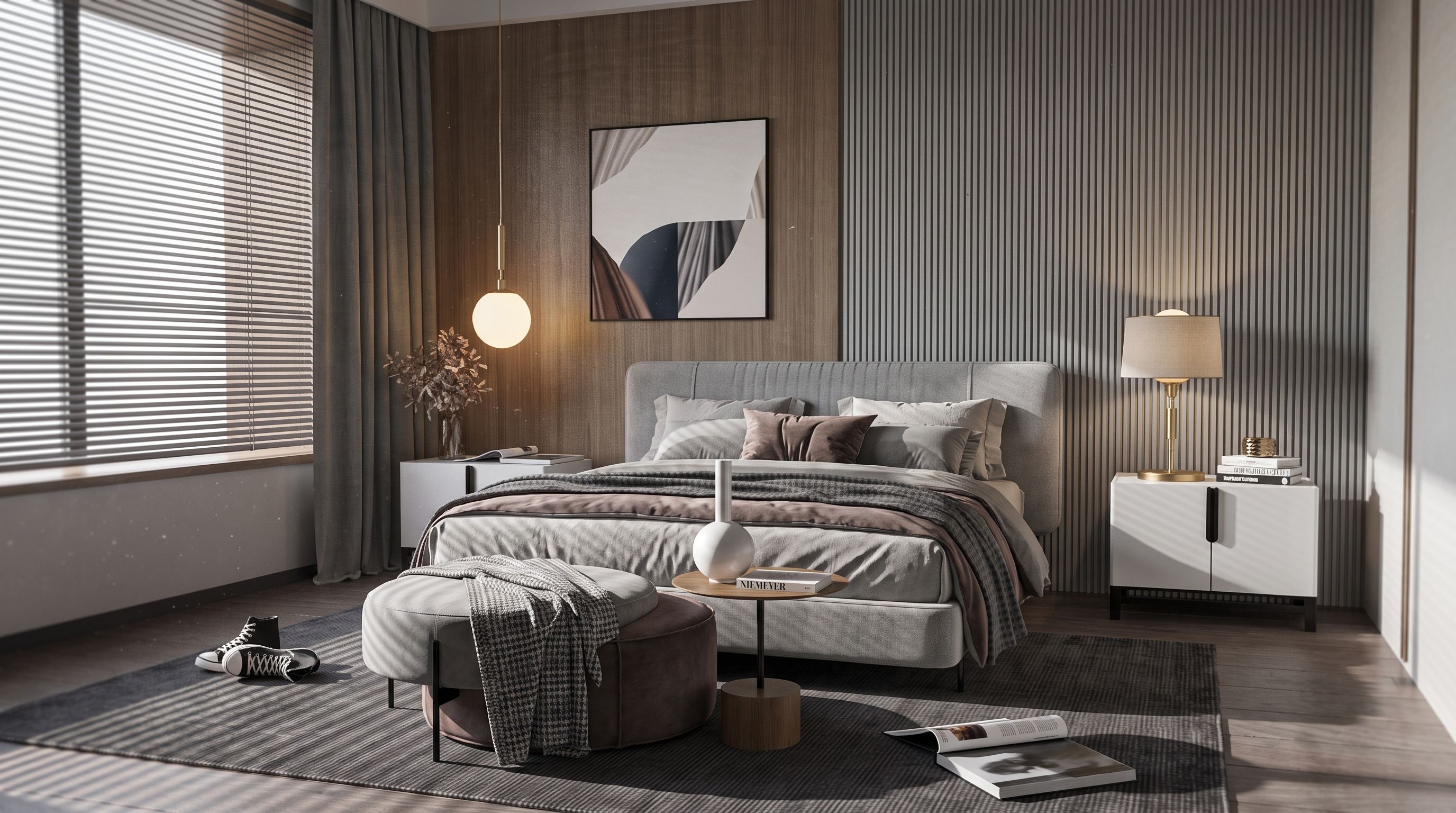 BeforeAfter
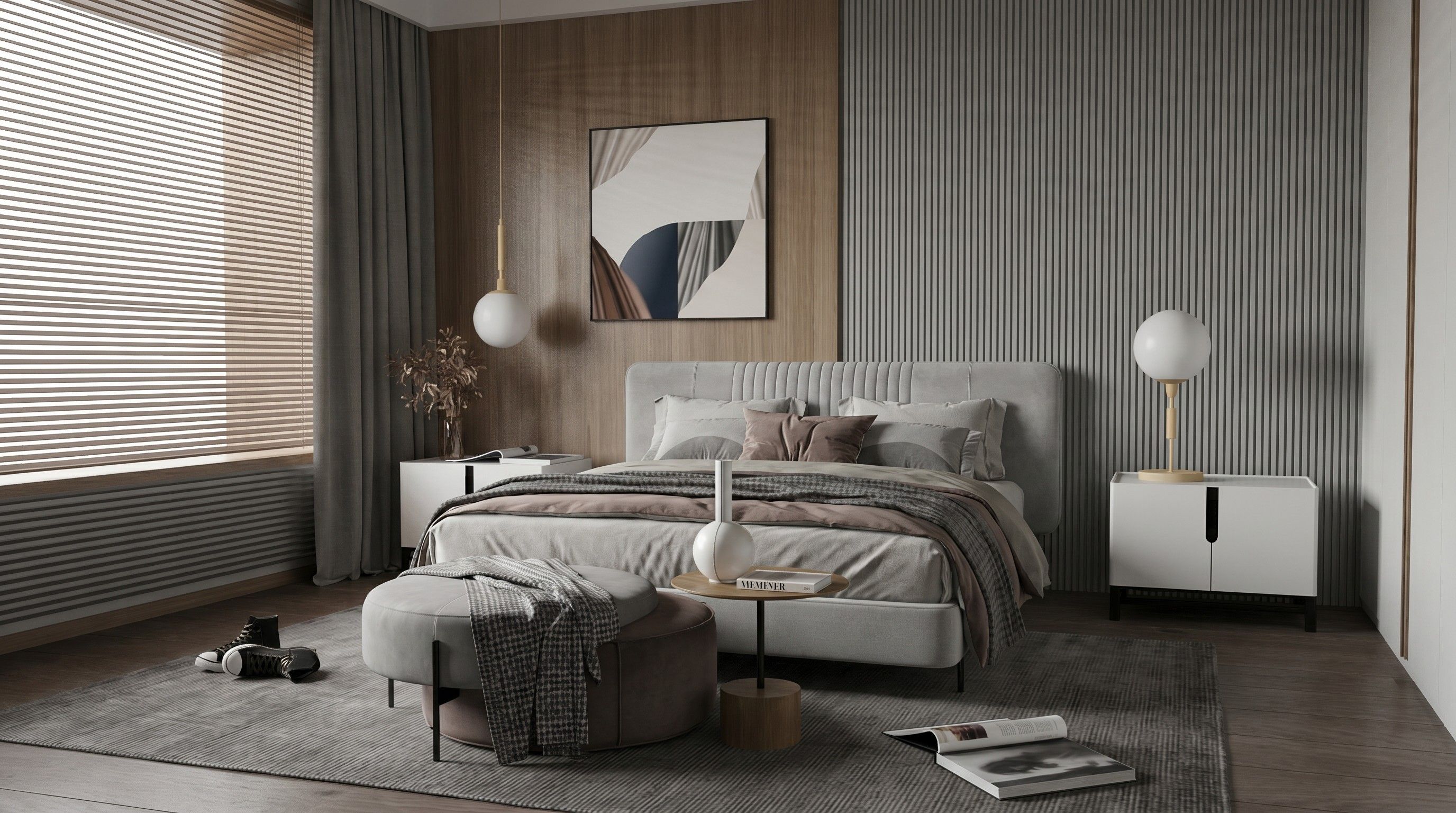
Raya.design - native 2K, no prompts, and transparent rules
Raya stands out from the rest with one fundamental difference: it's designed specifically for architects and interior designers. You don't need to write complicated prompts - you choose the scene type, lighting, mood, and style from ready-made options, and the model handles the rest.
Every new account gets 20 free credits (10 renders in 2K) without providing a card. There's no watermark on the images, even those made with free credits, and from your very first generation you get native 2K rendering, and even 4K. The billing rules are transparent: 2 credits per 2K render, 4 credits per 4K render, with no hidden limits and no surprises.
 BeforeAfter
How to create a free interior visualization step by step
The fastest way to get a free preview of your project is through Raya - it doesn't require a card, and 20 free credits are enough for many visual proposals.
Step 1 - Sign up at raya.design
Registration takes a minute, with no payment details required. After signing up, your account automatically receives 20 credits valid for 14 days.
Step 2 - Upload a view from SketchUp or another 3D program
Raya accepts viewports from SketchUp, Revit, Rhino, ArchiCAD, 3ds Max, and Blender - just export the view as JPG or PNG (up to 10 MB). You can also upload a regular photo of an empty room. For popular 3D programs, we also offer native pluginsthat let you generate a visualization directly from within the program - you'll find them at - https://www.raya.design/en/plugins
Step 3 - Choose a style, don't write prompts
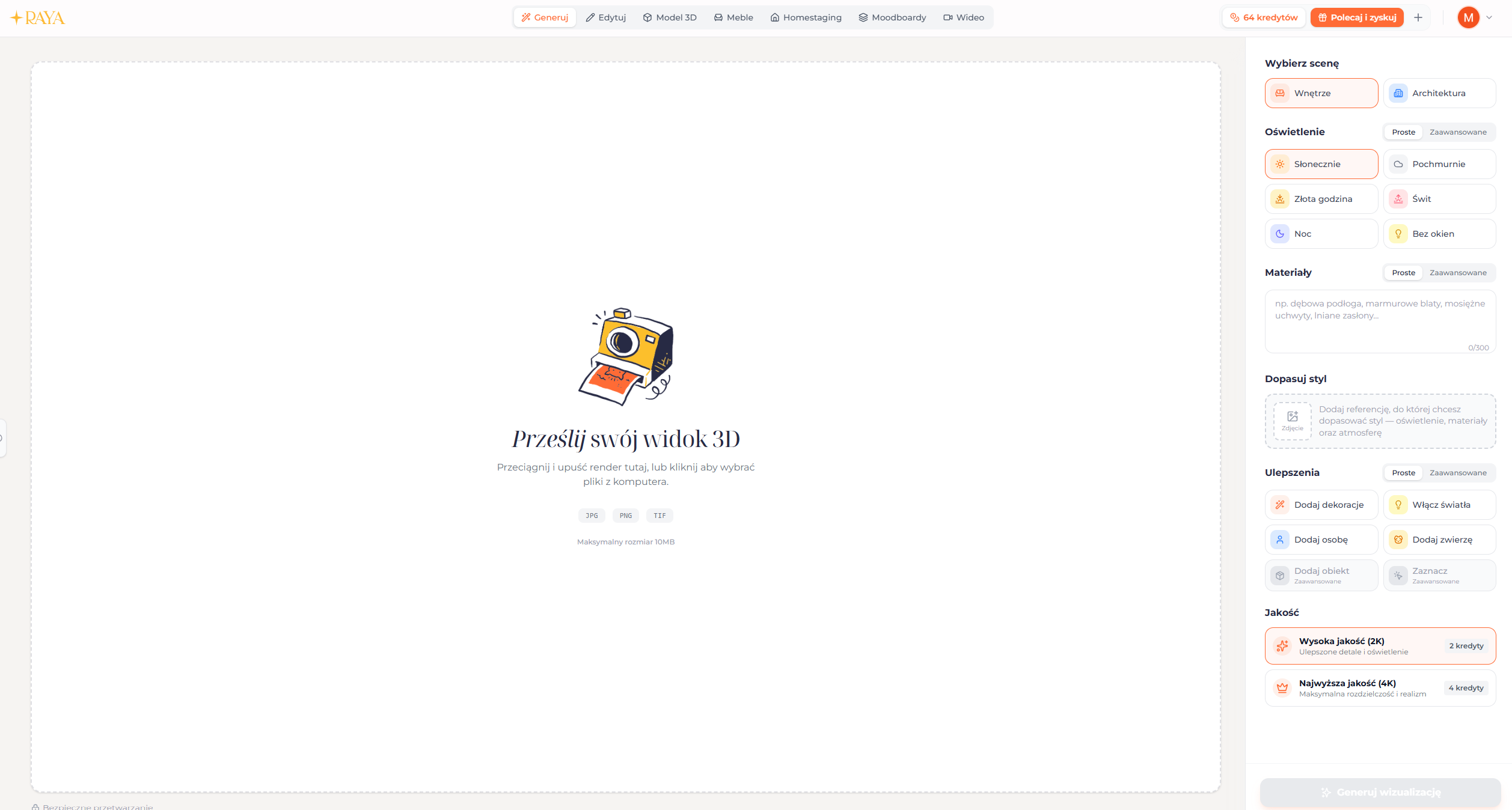
Instead of describing the result in words, you choose ready-made options: scene type, lighting (sunny, golden hour, night, no windows), season, and optional extras. The interface is intuitive enough that you can create your first generation in two minutes.
Step 4 - Generate and download
A 2K render is ready in 20-40 seconds. If you want 4K ready for a client presentation, the upscale costs another 4 credits and takes about a minute. You can download the finished render as PNG or JPG and show it to your client right away - Raya grants full commercial rights to all generated images, regardless of your plan.
Summary: the hidden cost of "free" solutions
Free plans share one common cost that isn't visible at first - time. ChatGPT and Gemini require writing and testing long, complicated promptsjust to get a decent result, and with architectural visualizations, this can eat up a lot of valuable hours. Google Flow offers more freedom, but native 1K and variable availability are real limitations for professional work.
Raya offers 20 credits to start, a simple interface with no prompts and native 2K quality from your very first generation. That's enough to check, in a matter of minutes, on your own project, whether the tool actually saves you time. If it does - the subscription pays for itself on the very first project where you save a few hours of rendering.


