
AI moodboard generator for designers and architects
Raya is a moodboard maker that turns your own reference photos into a coherent inspiration board. Upload 2 to 16 images, pick a layout and get a finished interior moodboard in under a minute.
20 credits to start, valid for 14 days. No card required.
A moodboard is the first document that shows a client where a project is heading: colours, materials, furniture and the mood of the interior gathered on one board. Creating moodboards usually means an evening in a graphics app, cutting out backgrounds and aligning crops. Raya does that for you, from images you choose yourself.
This moodboard generator runs online, in your browser, so you can build an interior moodboard on any computer. There is nothing to install and no powerful machine needed, because the board is built on our side. You download the result in 2K or 4K and drop it straight into a client presentation.
How does an AI moodboard maker work?
It starts from material you already have. You upload 2 to 16 reference images and the AI arranges them into a single composition: it picks crops and proportions, tidies the background and keeps the whole board in one visual language. The tool does not invent inspiration for you and never swaps your photos for random images from the internet.
The layout follows what the photos show, not the order you uploaded them in. Related pieces end up side by side: chairs next to the table they belong to, fabrics and finishes in one group. You can also add your own notes, for example to keep the moodboard in warm earth tones or to give a particular fabric more space.
What you upload
- Photos of interiors and finished projects
- Furniture, lighting and accessories from catalogues
- Samples of materials, fabrics and textures
- Colour palettes and architectural details
JPG, PNG, WEBP and TIFF, up to 10 MB per image.
An AI moodboard generator that matches your project
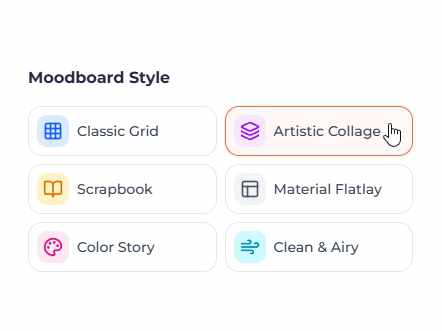
The same set of photos can be shown in 6 ways. You choose how the materials are presented with one click, and if a composition does not work, you regenerate it in a different layout.
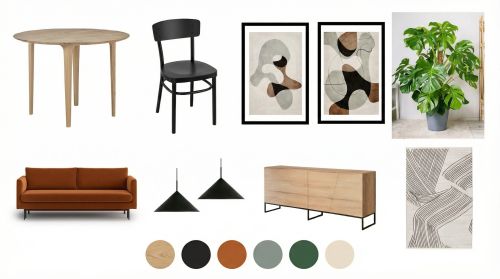
Classic grid
Even crops in an ordered grid on a white background. The safest choice for a client presentation and for project documentation.
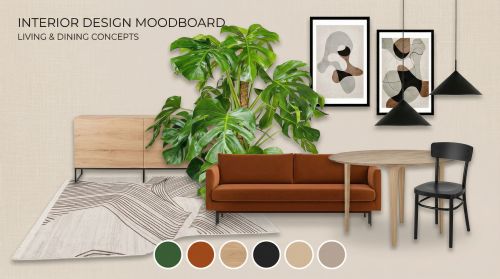
Artistic collage
Overlapping images with a clear hero shot. Good at conveying the mood of an interior before the specific solutions are settled.
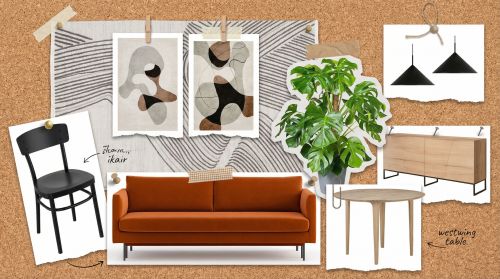
Scrapbook
Tilted photos and small decorative elements, like pinned clippings. Suits projects with a warm, homely character.
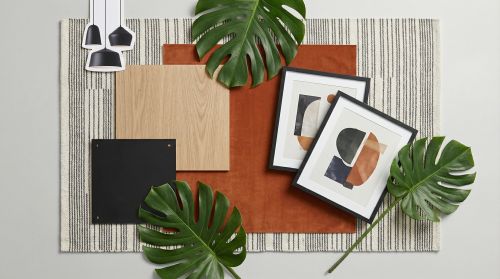
Material flatlay
Materials and fabrics seen from above, like samples laid out on a table. Set up for a conversation about finishes.
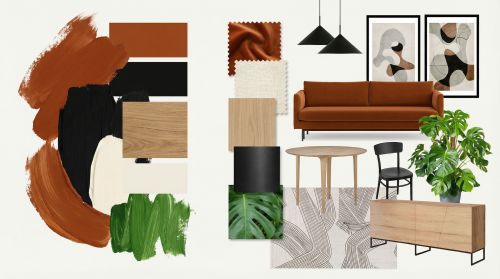
Colour story
The palette in the foreground, photos in a supporting role. Useful when the colour scheme is the main thing you are agreeing on.
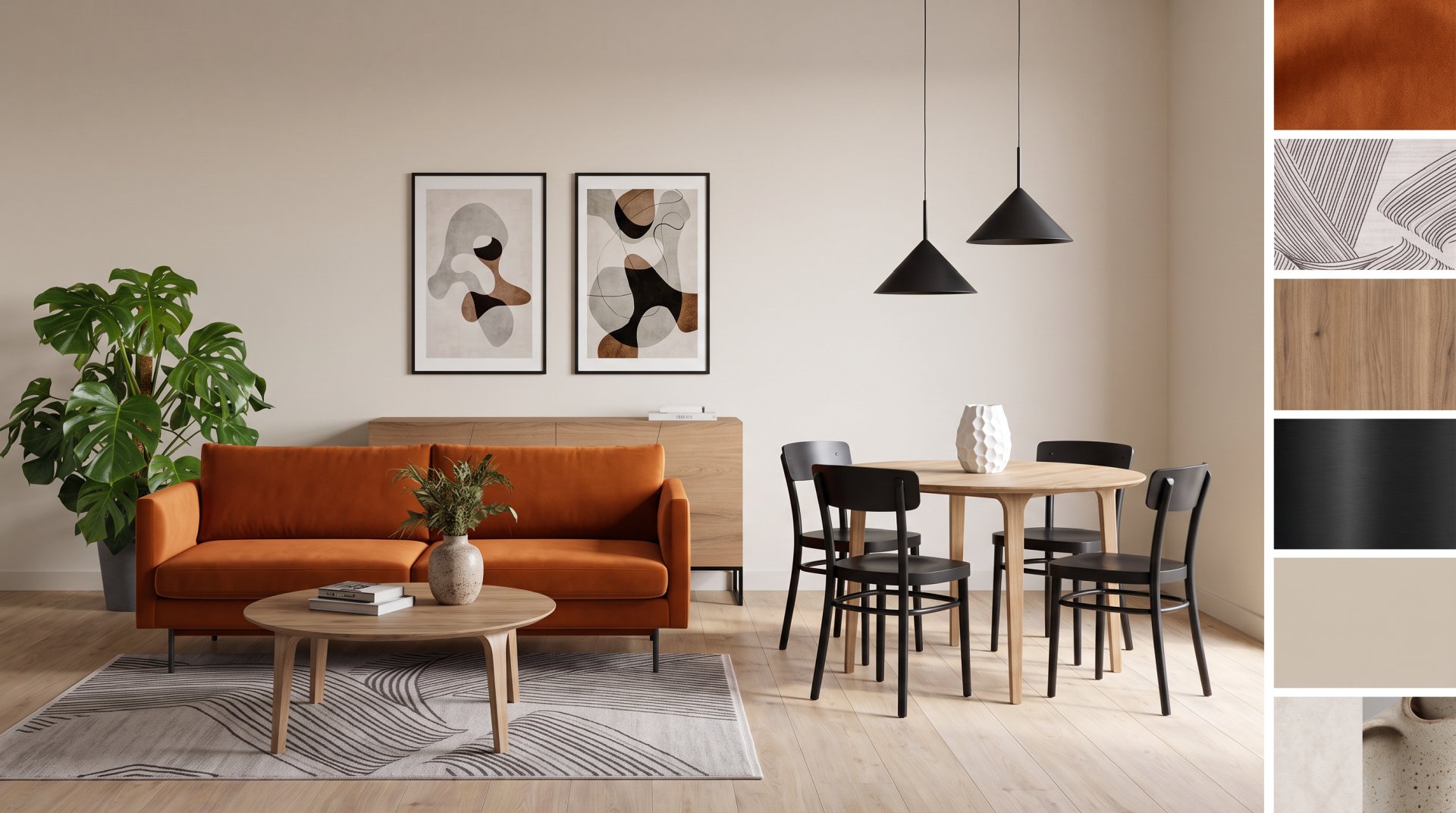
Realistic
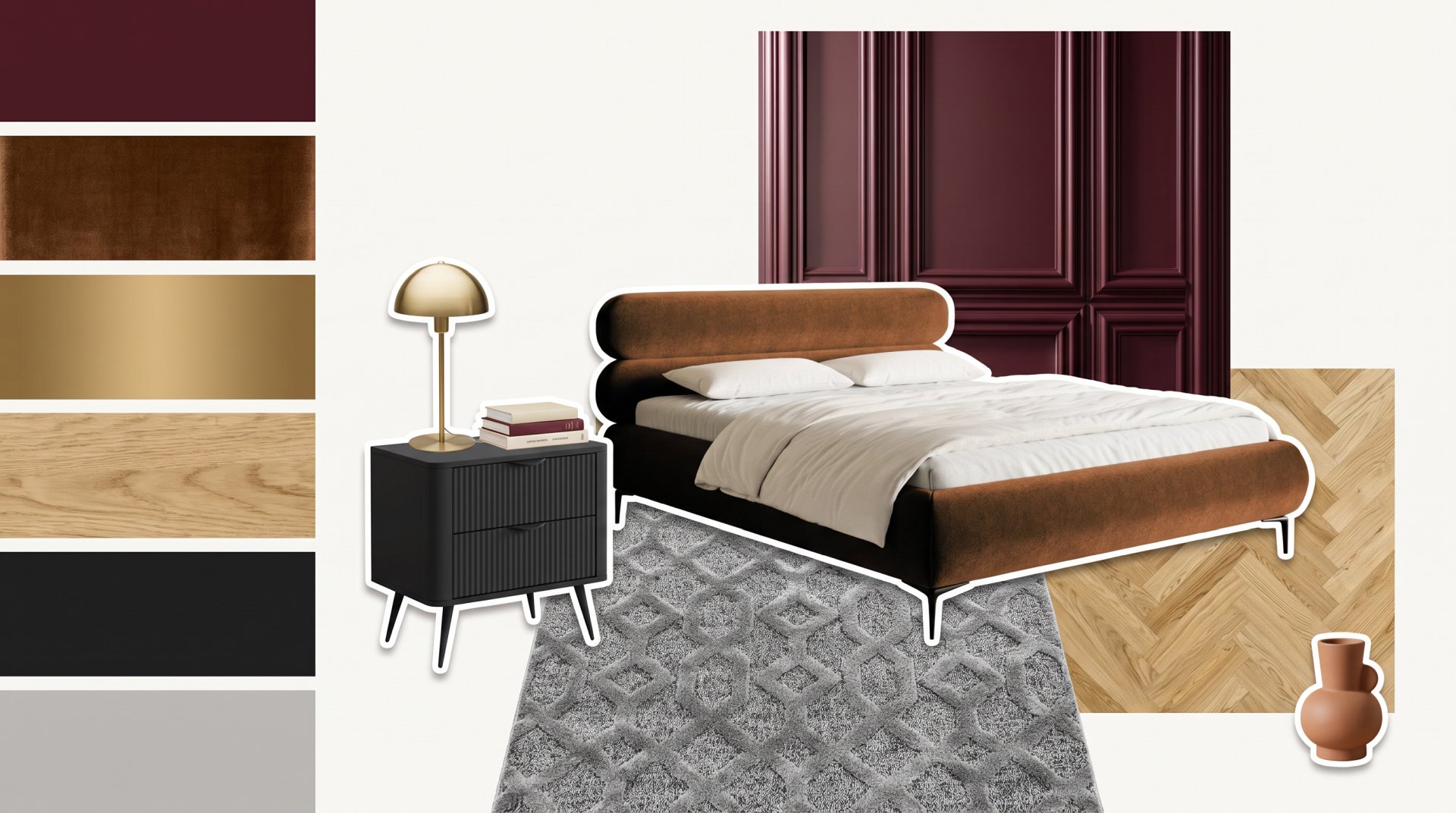
Instead of cut-outs, Raya arranges the furniture into one scene in a shared perspective and lighting, with a strip of material samples beside it. The closest thing to an interior visualization, still with the finishes at hand.
All the boards above show the same set of photos. Only the presentation differs, so you can show one direction to a client in several ways without swapping a single material.
How do you create moodboards in Raya?
Creating a moodboard in Raya comes down to four steps and takes a few minutes.
 1
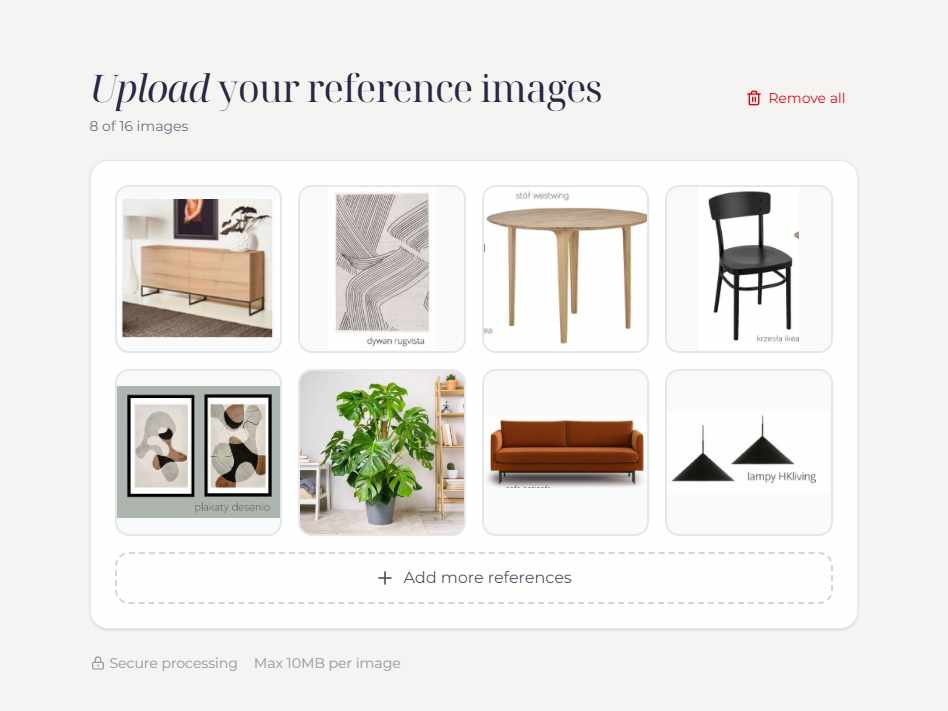
1Upload reference images
Drag 2 to 16 photos into the generator. The order does not matter, because the layout follows what the photos show.
 2
2Pick the layout
Decide whether the moodboard should be an ordered grid, a collage, a scrapbook or a set of material samples.
 3
3Set the details
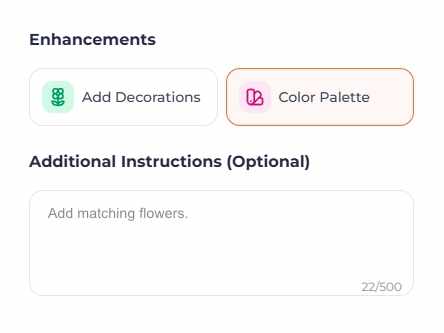
Add a colour palette or decorations, write your own notes and choose the quality: 2K for 2 credits or 4K for 4 credits.
 4
4Generate and download
The board is ready in under a minute. You download the file and use it in a presentation right away.
You start with 20 credits valid for 14 days, which is up to 10 moodboards in 2K.
From moodboard to a photorealistic interior visualization
An inspiration board rarely ends the work on a project. In Raya you stay with it in one place: from agreeing the direction, through visualizations, to changes made during a conversation with the client.
AI interior visualizations
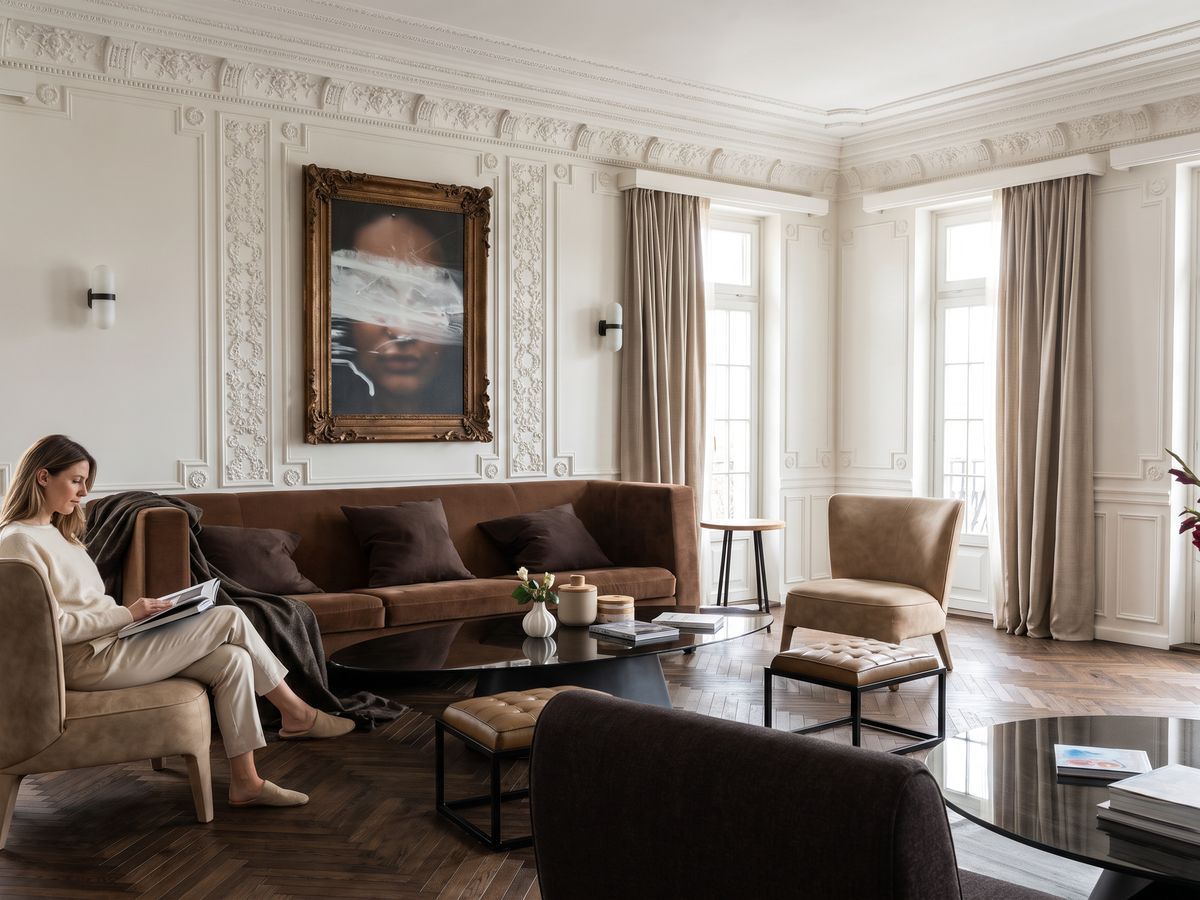
A 3D model, a hand sketch or a photo of a room becomes a photorealistic visualization. The direction set on the moodboard carries over into the materials and lighting of the scene.
See the visualization generator →Editing a finished visualization
In the editor you swap a material, a wall colour or a single piece of furniture by pointing at the spot in the image. A reference photo shows how the finish should look.
AI visualization editing →Home staging of an empty room
You furnish an empty room in the agreed style without modelling anything. Useful for flats going up for sale or rent.
See home staging →Plugins for design software
Raya also works in SketchUp, Revit, ArchiCAD, 3ds Max, Rhino and pCon.planner, so the visualization comes straight out of your model.
See the plugins →
Finished visualizations made in Raya are in the examples, and the full rates are in the pricing.
Why is Raya a great inspiration board maker?
An inspiration board is a tool for talking to a client, not a graphics exercise. Raya takes preparing one from an evening in a graphics app down to a few minutes, so a moodboard is worth making for a small job too, not only for a big project. It works for a freelancer as well as in a design studio of several people.
You work with your own material
The moodboard is built from photos you picked yourself: your own projects, supplier catalogues and material samples. What lands on the board is what you actually want to propose.
Assembling the board is off your plate
No cutting out backgrounds, no scaling crops, no fighting with the layout in a graphics app. What is left is choosing the photos and picking the layout, and a freelancer gets the evening back for the project.
Several versions of the same concept
The same set of photos goes out in different layouts and colour variants. The client picks a direction from images before you start designing.
Material ready for the meeting
You download the moodboard in 2K or 4K and put it into a presentation or an offer, or send it by email. In a design studio the same file reaches everyone working on the project, so the team builds on one agreed direction, and the 4K version also holds up in print.
Examples of moodboards created with AI
Four boards in different presentation styles, from cut-outs on a plain ground to a finished interior scene. The same reference material can be shown in any of these ways.
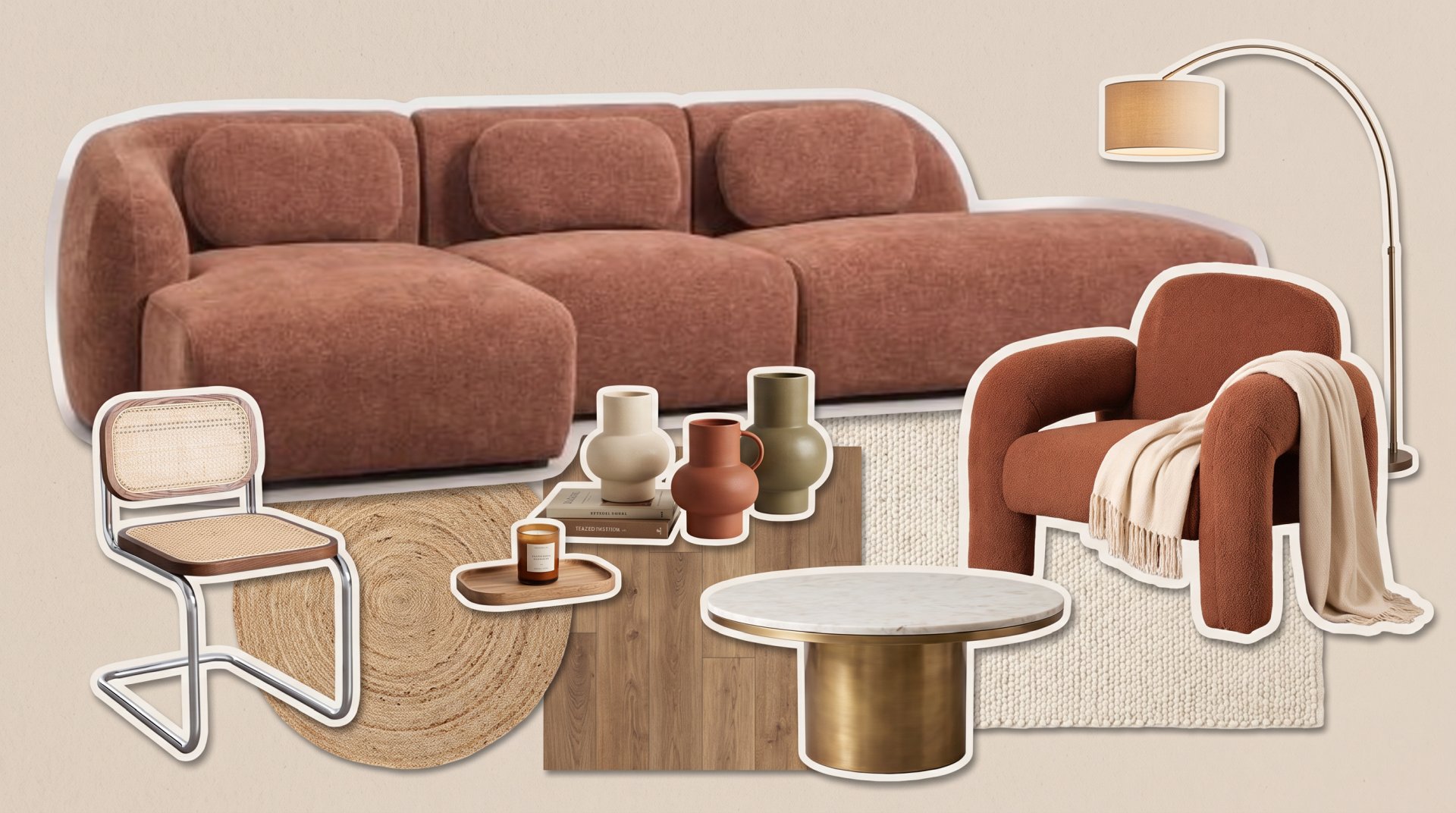
Living room as an artistic collage
A modular sofa, a boucle armchair and a cane chair cut out of their backgrounds and arranged on a warm ground. Rugs, flooring and ceramics sit alongside them, so the whole combination reads in one frame.
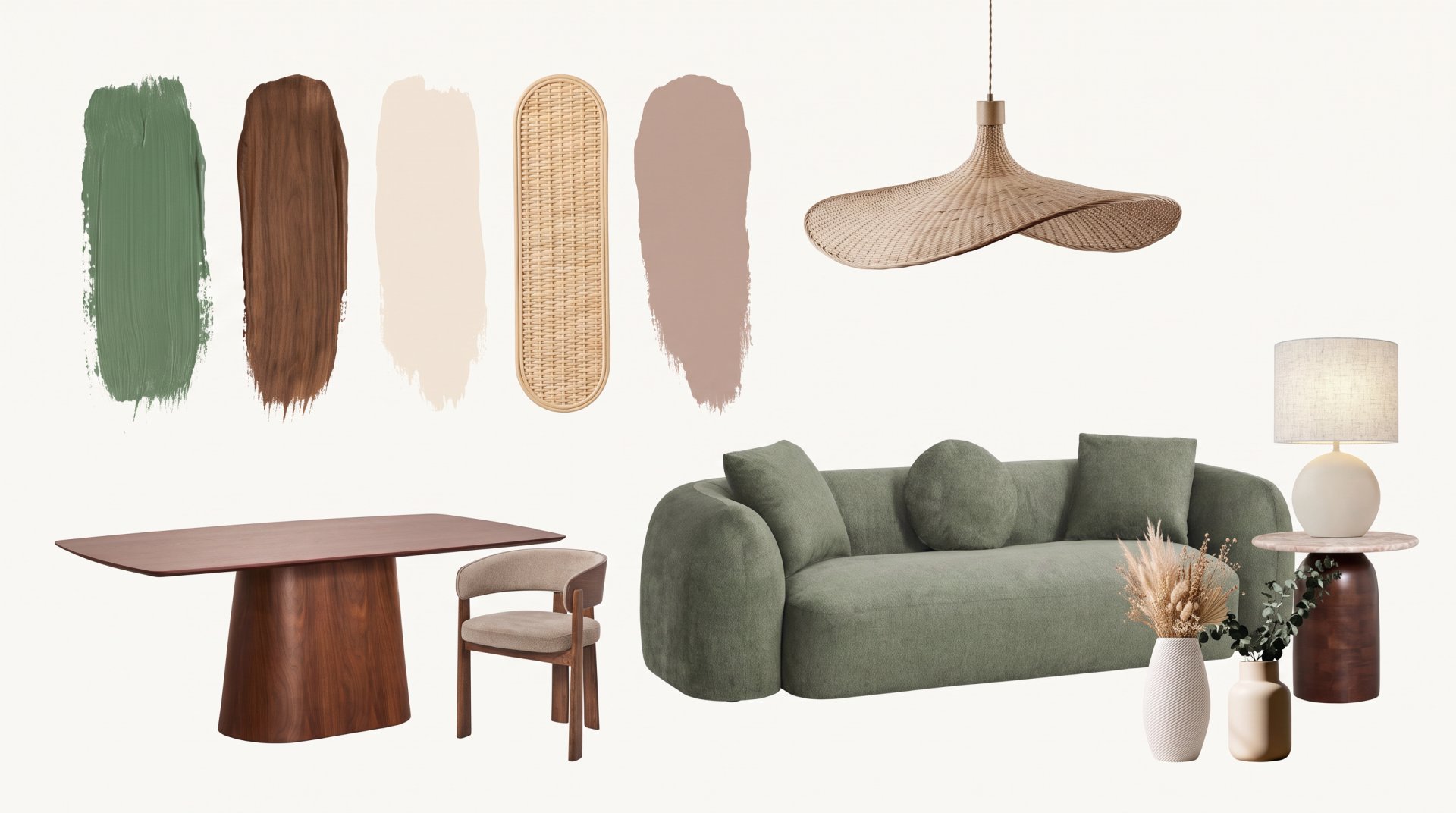
A palette for a living and dining room
Green, walnut and sand tones laid out as swatches, with furniture in exactly those colours beside them. A board for the conversation where you settle the colour scheme first and the specific models later.
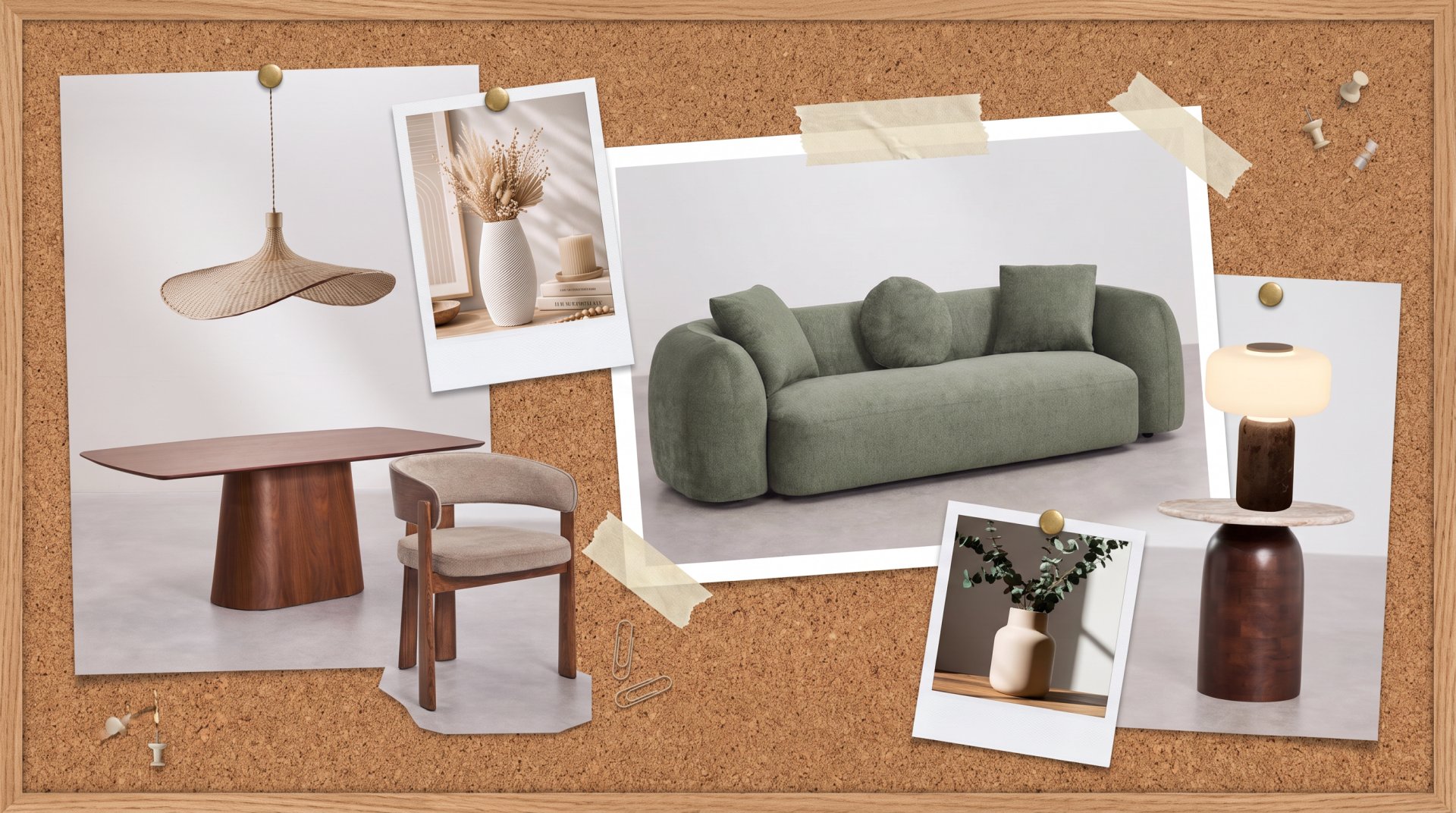
Scrapbook with living room furniture
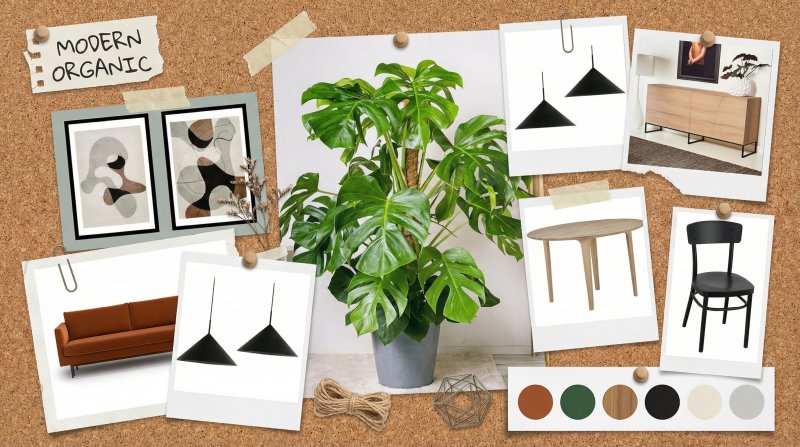
Photos pinned and taped to a cork board, with polaroids carrying the details. The same set of furniture as next door, shown in a looser, less formal setting.
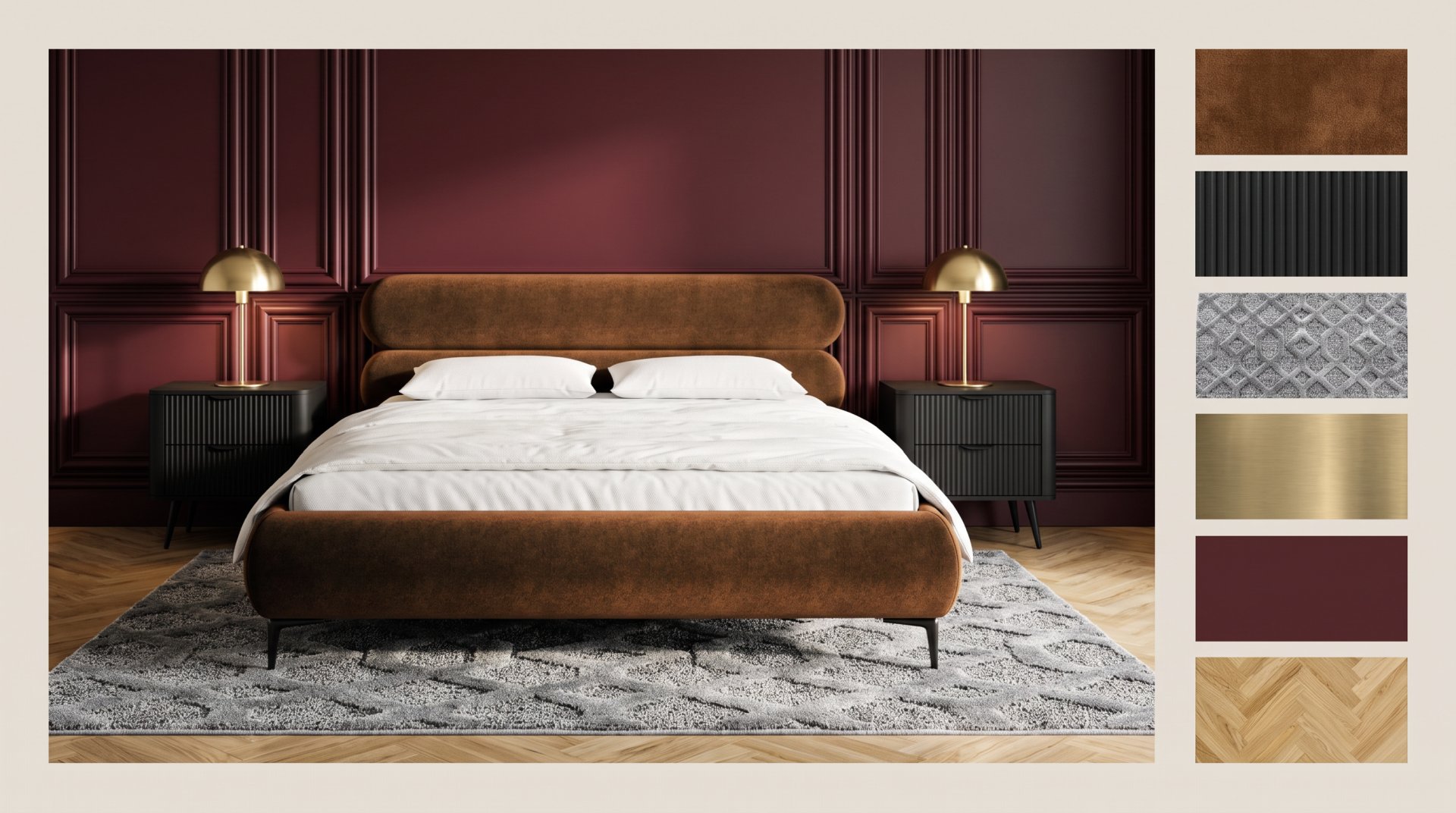
Bedroom in the realistic layout
A finished scene instead of cut-outs: a burgundy panelled wall, a rust velvet bed and brass lamps, with a strip of fabric, metal and flooring samples at the side. For the client who needs to see the mood, not just the list of pieces.
Frequently asked questions
What material can I add to the moodboard generator?
Any images in JPG, PNG, WEBP and TIFF: photos of interiors, furniture, lighting, samples of materials and fabrics, architectural details or plain colour palettes. They can come from your own projects as well as from supplier catalogues.
How many photos can I add to the Raya moodboard generator?
From 2 to 16 images per board, each up to 10 MB. In practice a dozen or so photos works best: there is enough to build a composition from, and no crop ends up microscopic.
Can I use the moodboard when presenting a project to a client?
Yes. You download the finished board as an image file and put it into a presentation, an offer or the project documentation. A subscription includes a commercial licence, so you can use moodboards in client work.
Can I download the moodboard in high quality?
Yes. You generate the board in 2K for 2 credits or 4K for 4 credits and download it at full resolution, in a 16:9 format.
Do I need a graphics program to create moodboards?
No. You generate the moodboard online, in your browser, on any computer. There is no graphics program and no plugin to install, and the finished file is there as soon as it is generated.
How much does generating a moodboard cost?
One board costs 2 credits in 2K and 4 credits in 4K. After signing up you get 20 credits valid for 14 days, which is up to 10 moodboards at no cost. Rates for the other tools are in the pricing.
Build your first inspiration board 
Create an account and get 20 credits valid for 14 days. No card, nothing to install.
Start for free